How to Set Up WhatsApp Bot Automation in Quick Hub
You can now automate messages and follow-ups on WhatsApp with Quick Hub’s WhatsApp workflow automation feature. Follow the steps below to set up your own chatbot:
- Go to Quick Hub.
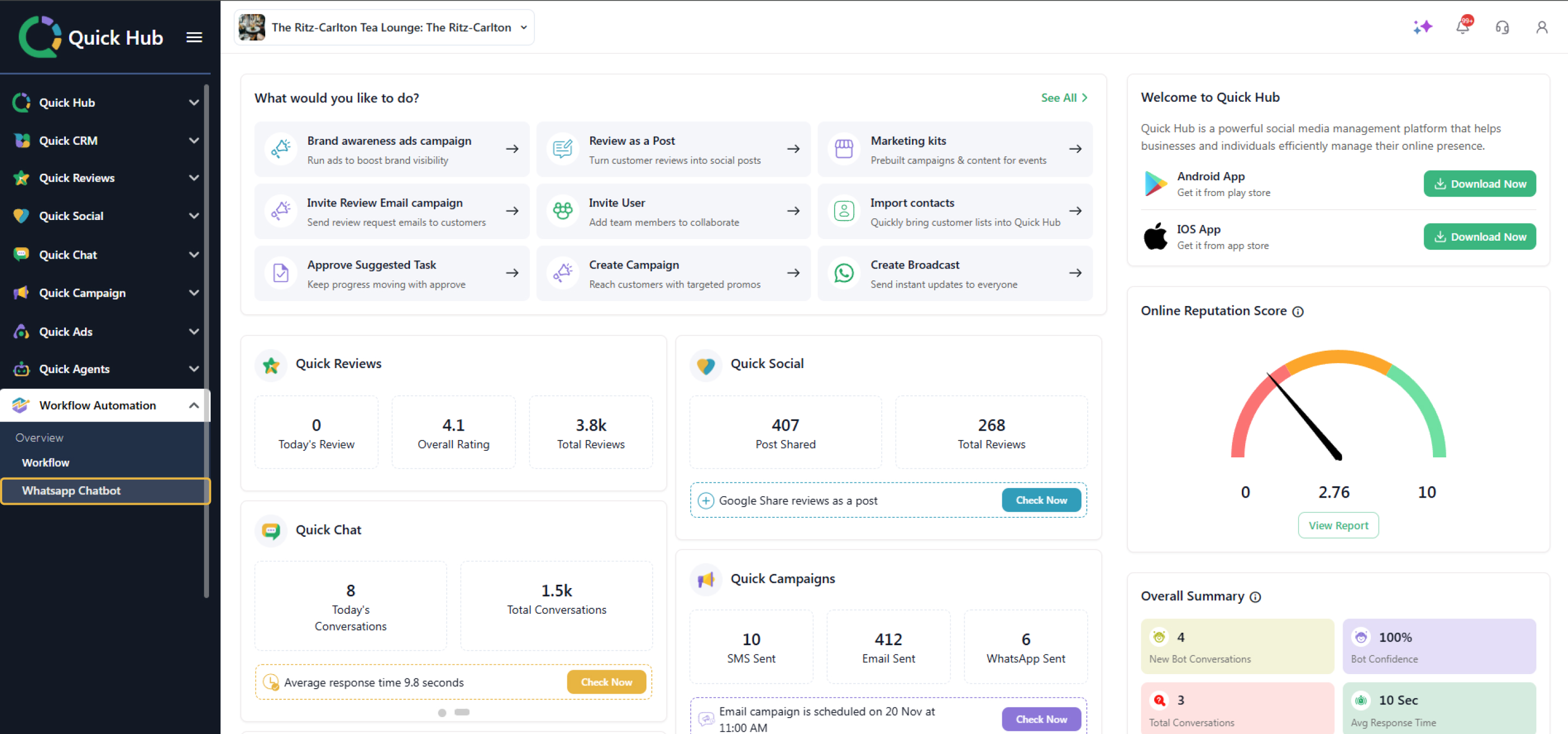
- Click Workflow Automation, then WhatsApp Chatbot.
-
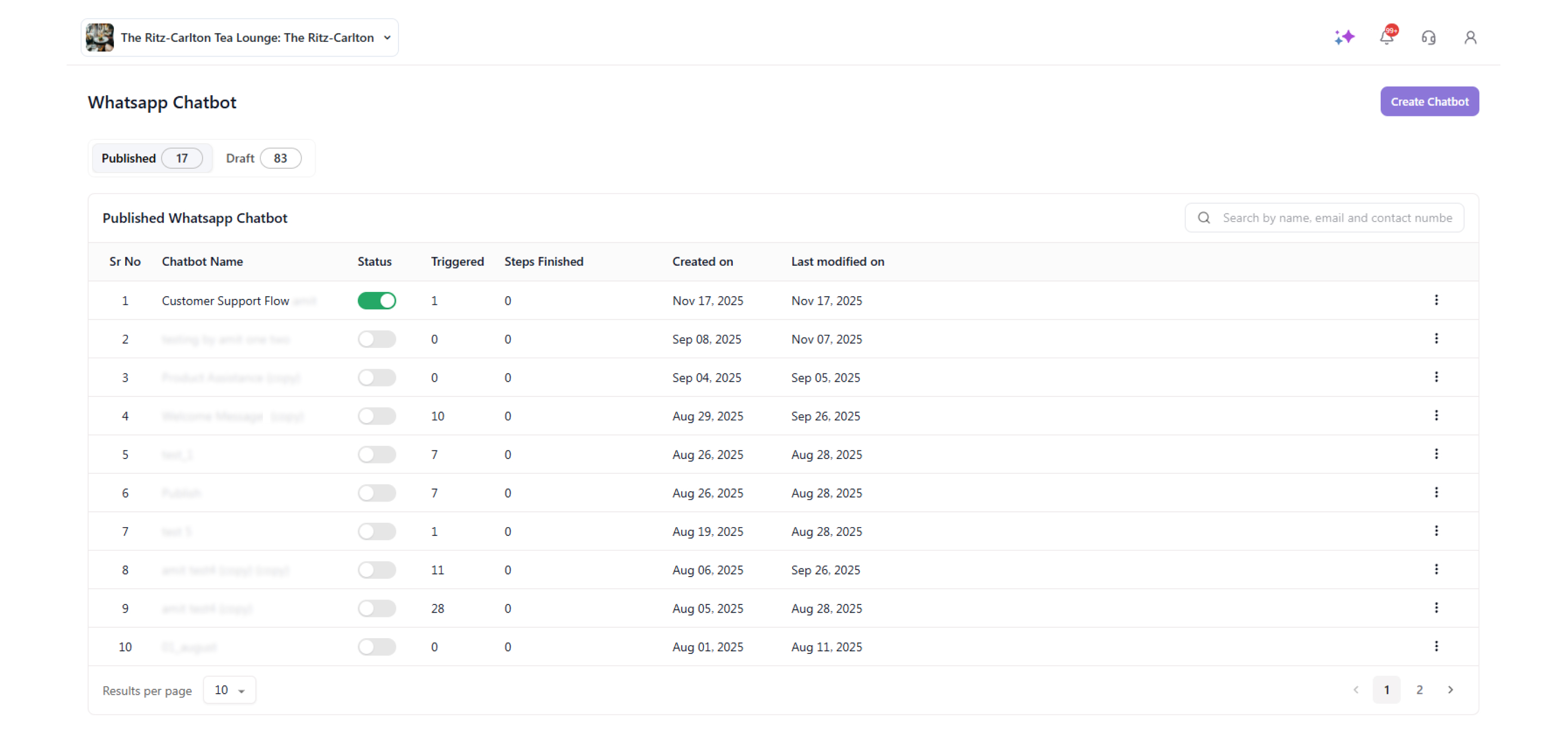
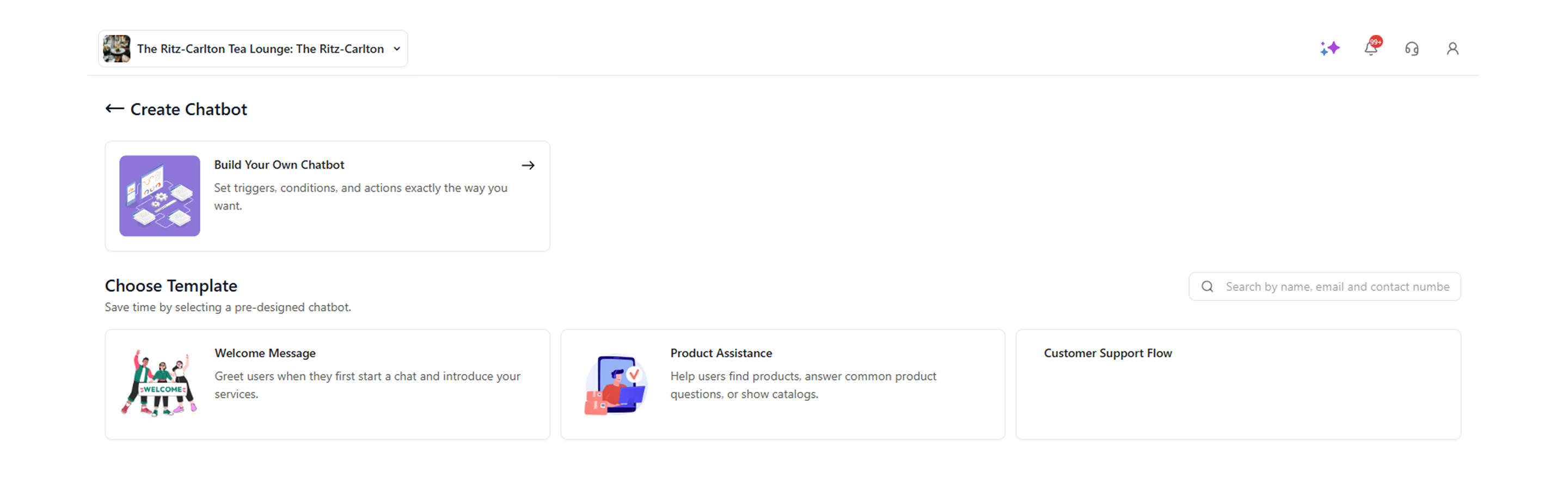
Click 'Create Chatbot.'
-
Click Build Your Own Chatbot.
-
Enter the 'Chatbot Name,' and click 'Save.'
-
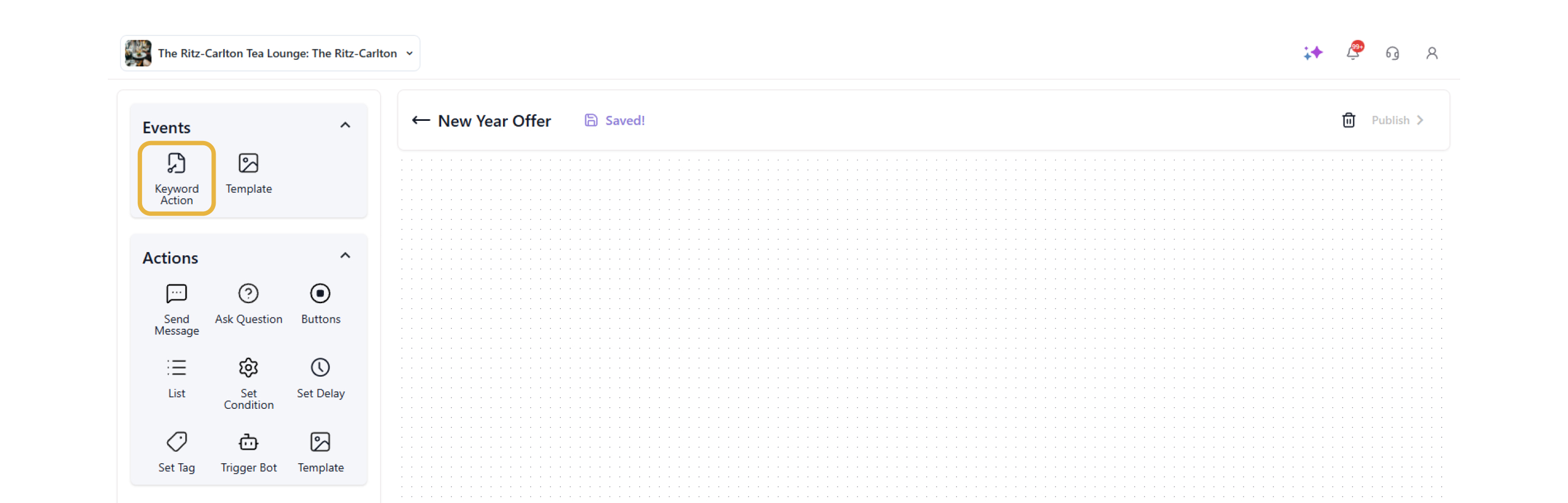
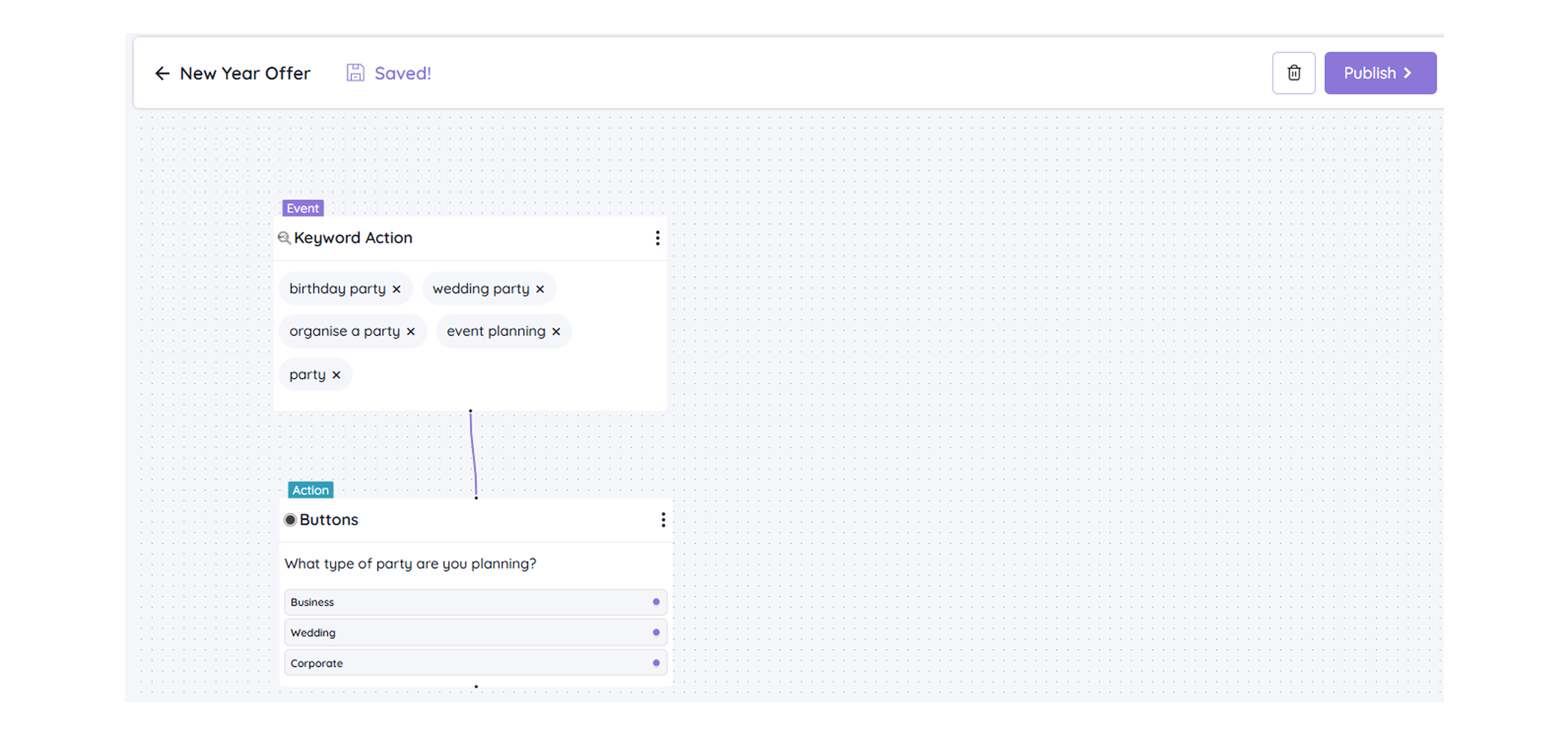
Click 'Keyword Action.'
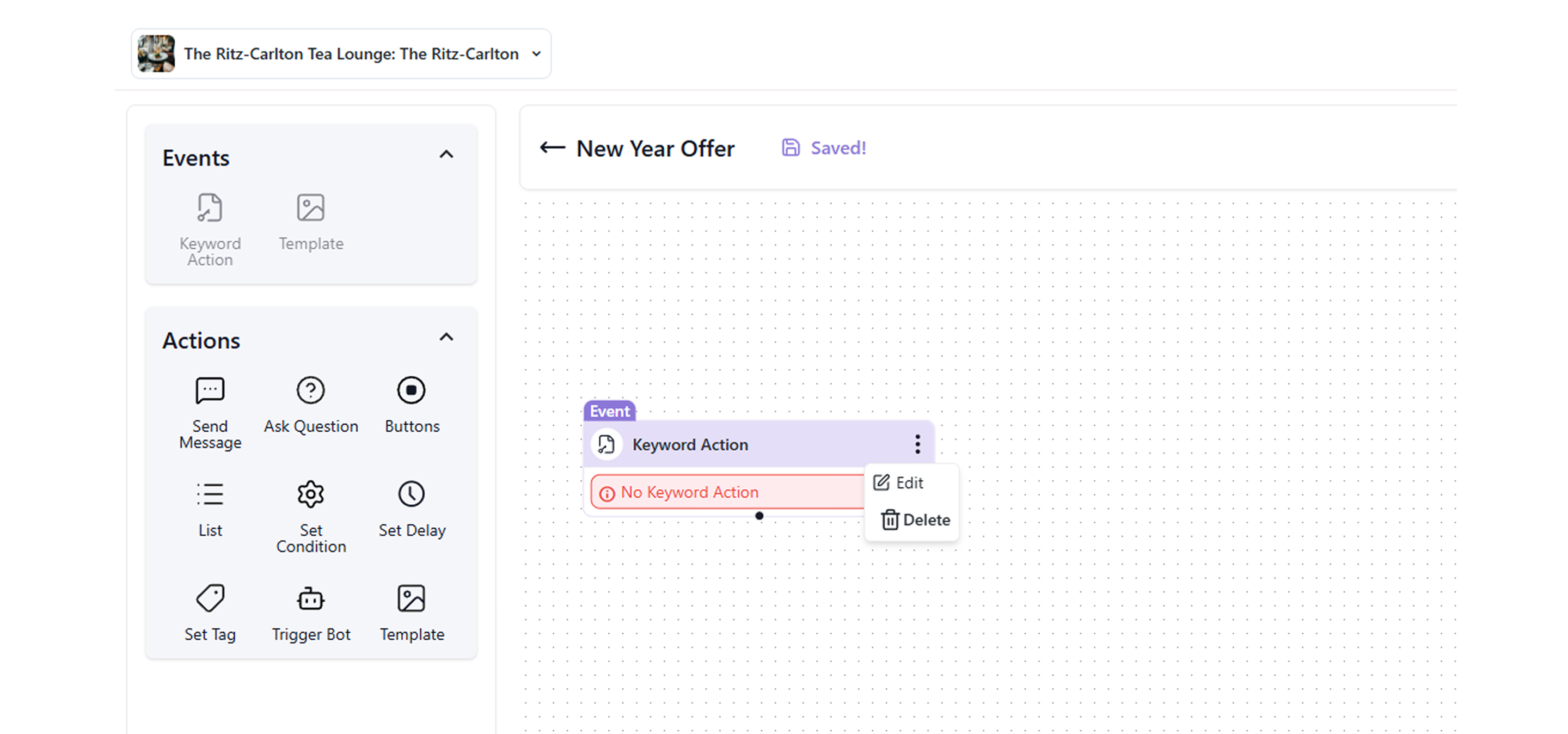
- Click Edit to add keywords.
- Add keywords related to the queries your customers are likely to search.

- Under Message matching methods, you will get two options: the Fuzzy Matching option helps your bot respond to relevant keywords typed by your customer, while the Exact Matching option gives a response to the exact keywords mentioned above.
- Click Save.
- Click Buttons to add a question, then click Edit.
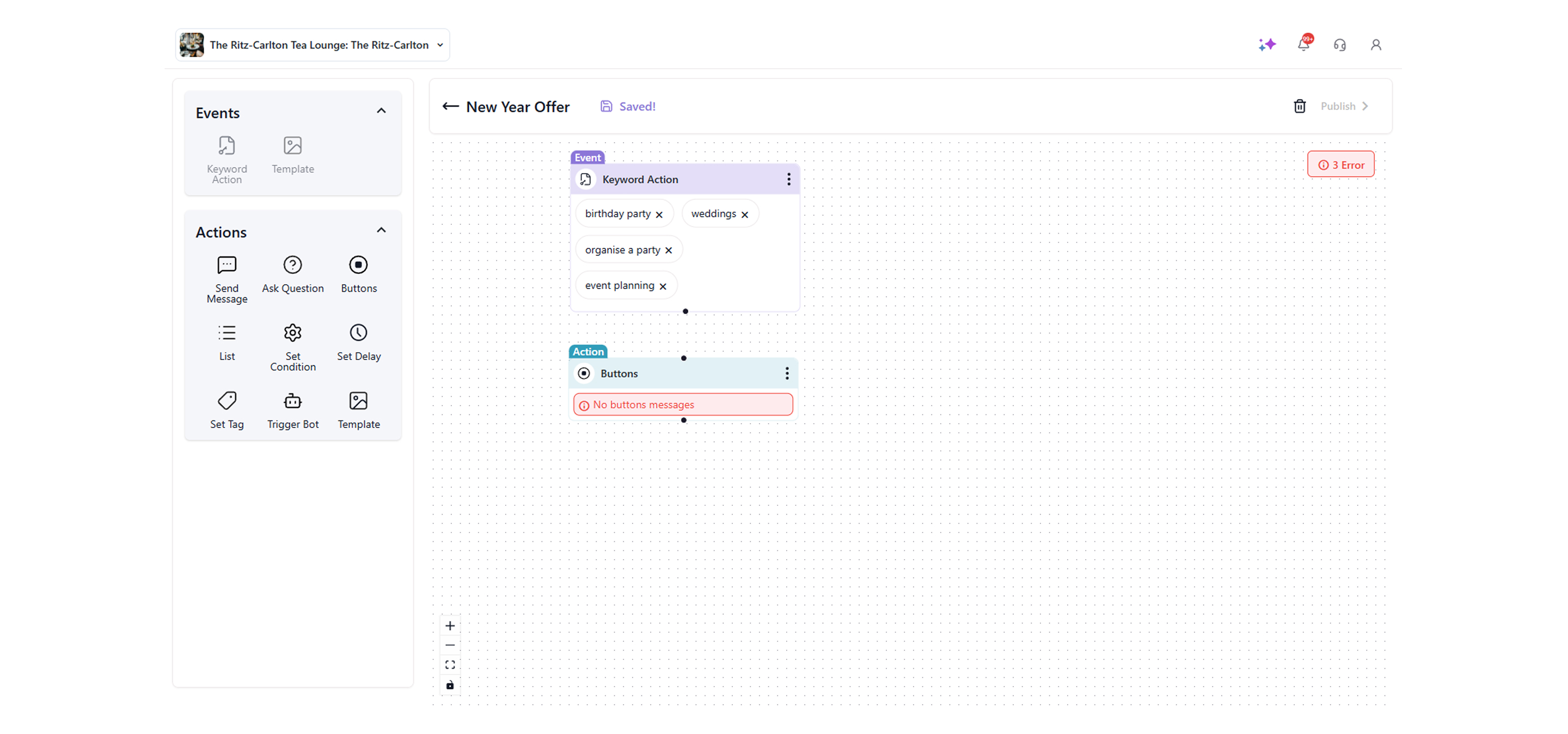
- Type the question and its responses that you want the bot to ask for the above keyword action.

- Click Create to add the options, then click Save.
- Based on the response, add further actions to redirect the customer to the final steps.
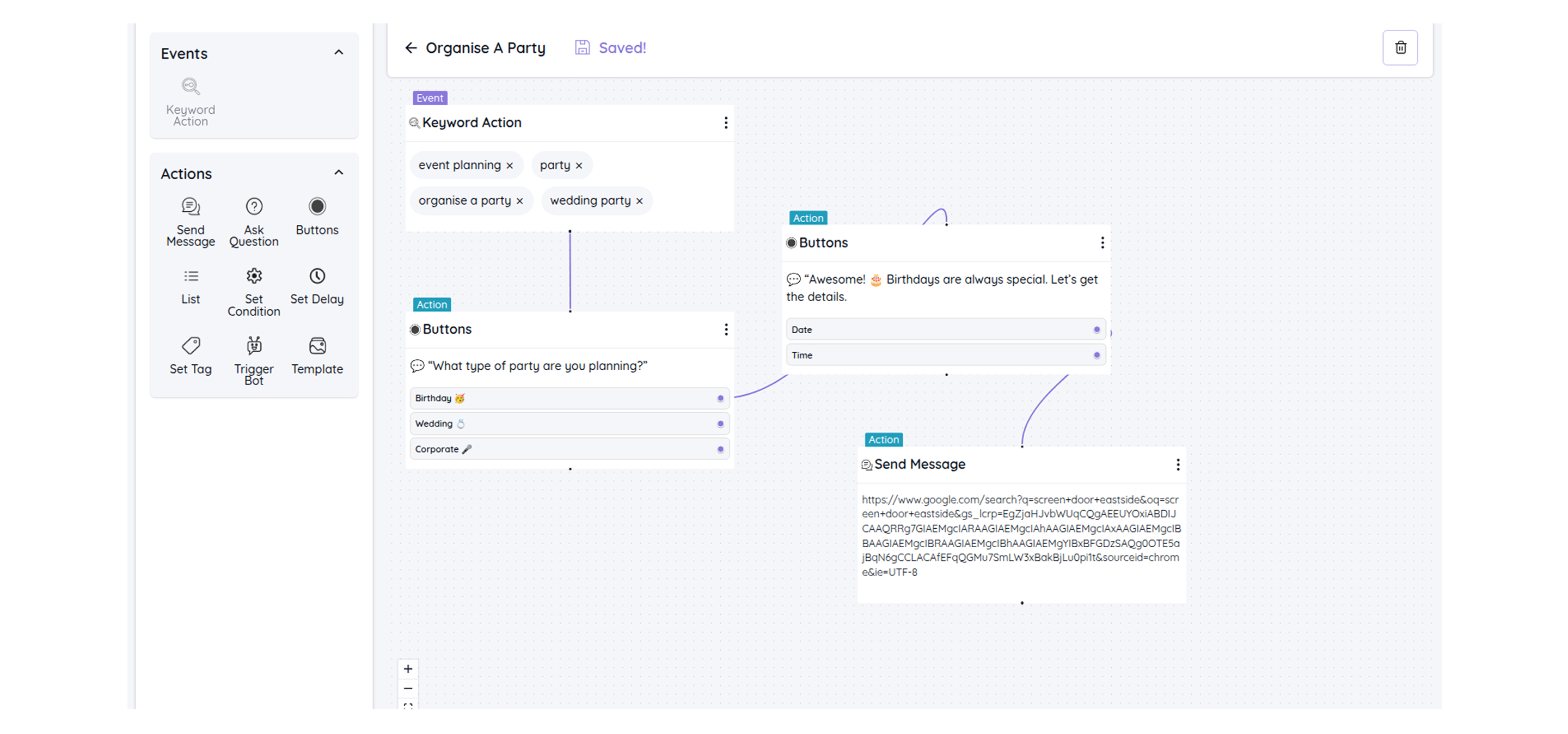
- Once you have completed the entire workflow, click Publish.
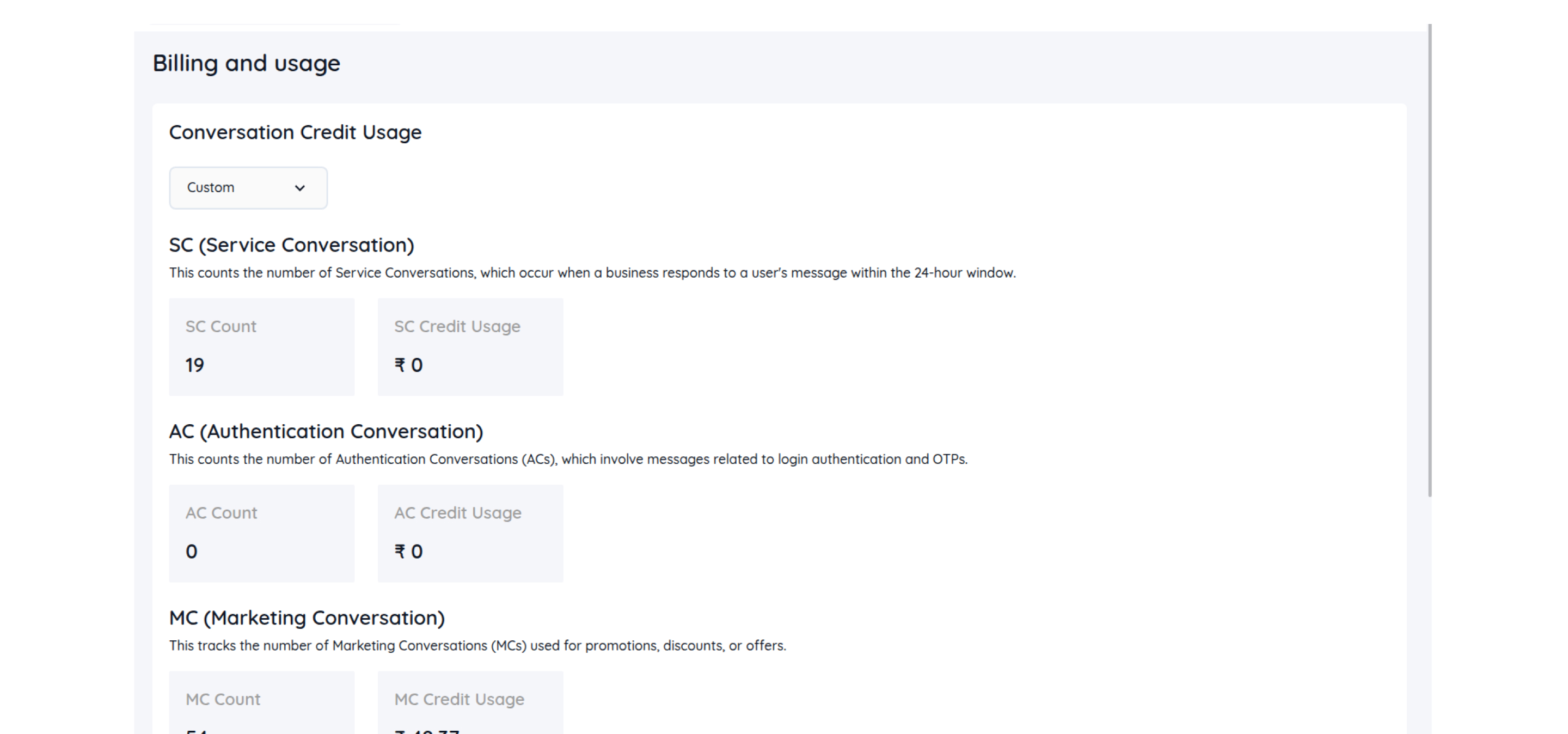
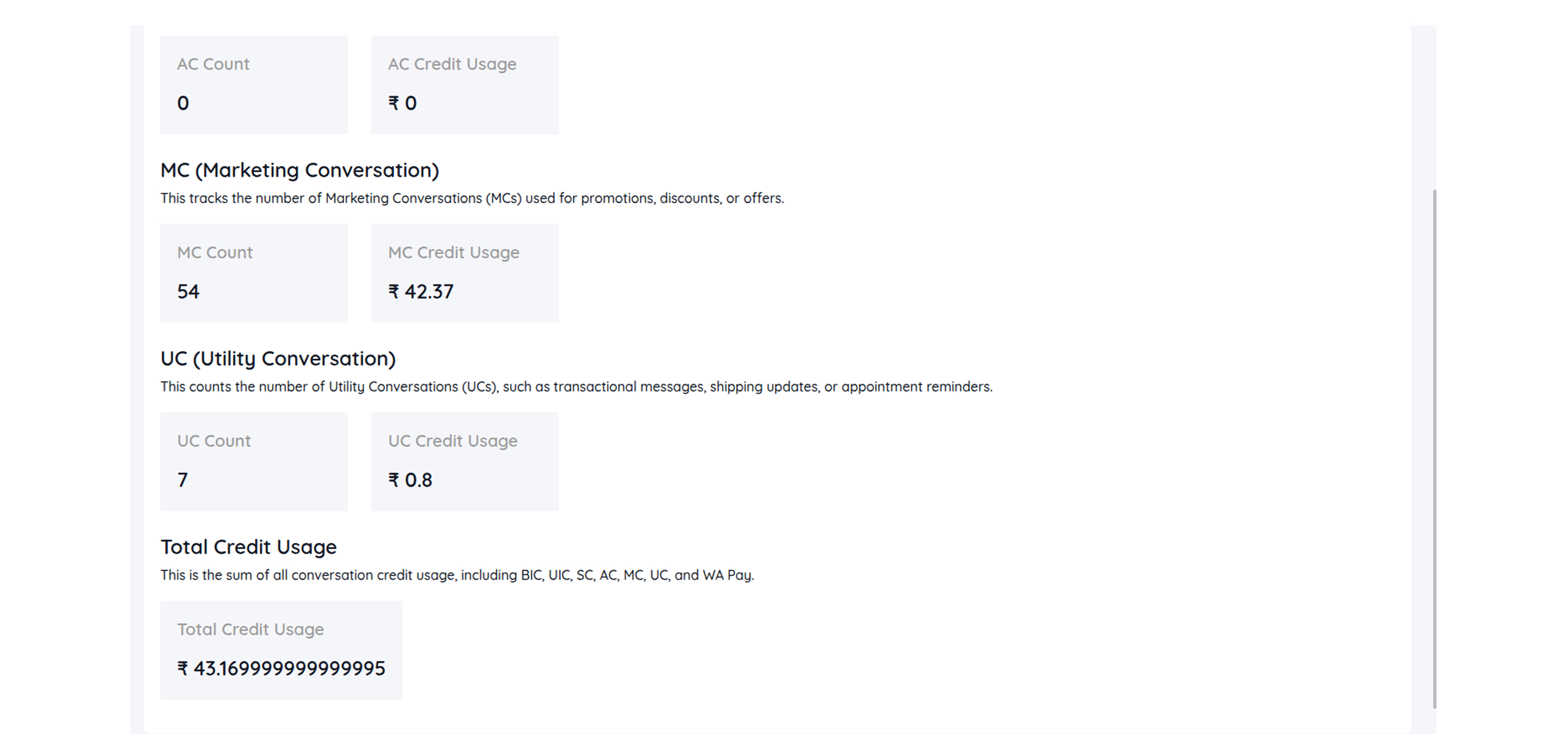
- To check the billing and usage of the WhatsApp chatbot, go to Billing and Usage under Quick Chat. You can check usage for 24 hours, the current week, the current month, or a custom date.
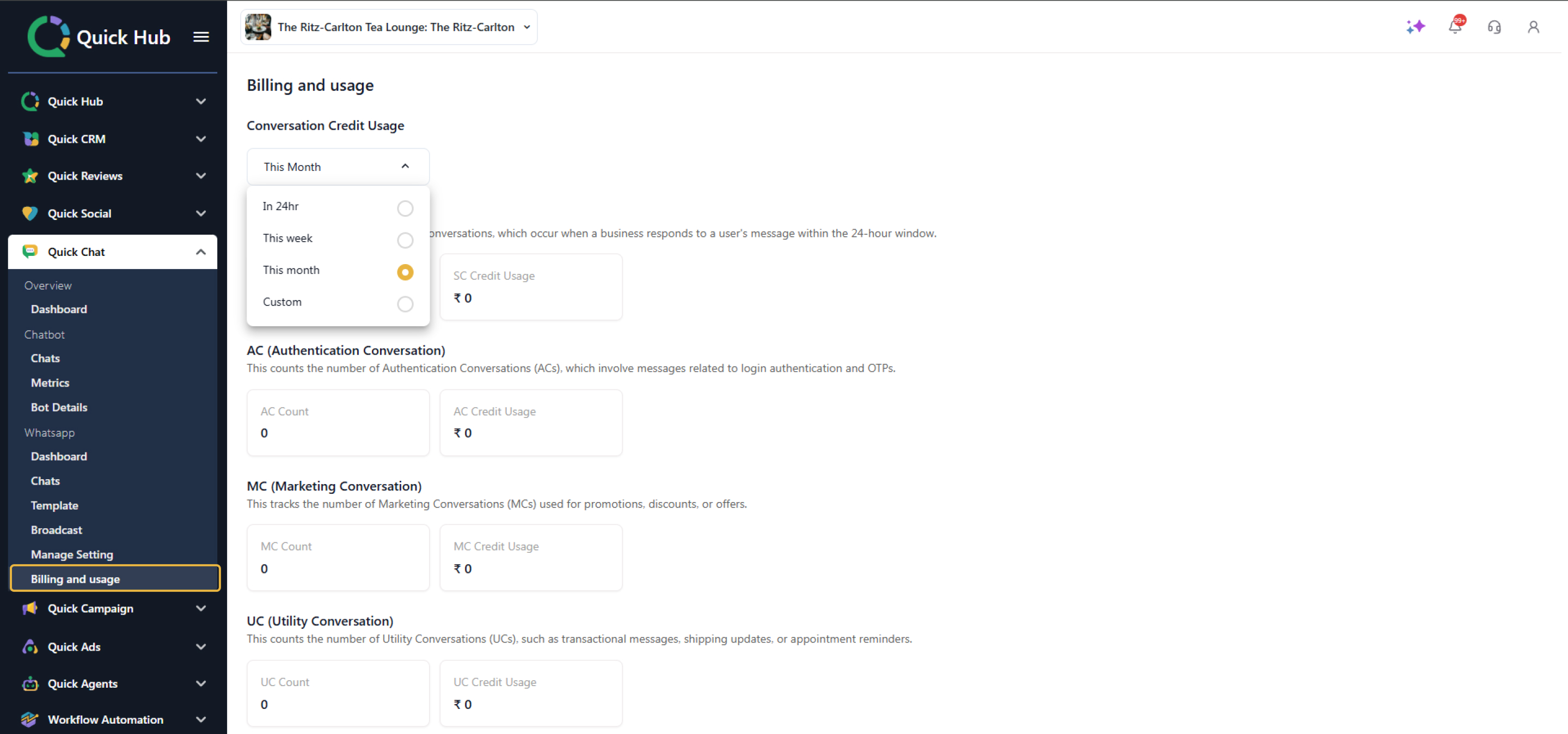
- Here, you can check the service, authentication, marketing, utility conversation, and total credit usage.