How to Set Up Service Recovery in Quick Hub
With Service Recovery enabled, customers leaving negative feedback are redirected to contact you directly. This provides a chance to resolve their issue and prevent the negative review from being posted. To enable this setting, follow the steps below:
- Go to Quick Hub.
- Go to Quick Reviews and click the Service Recovery option.
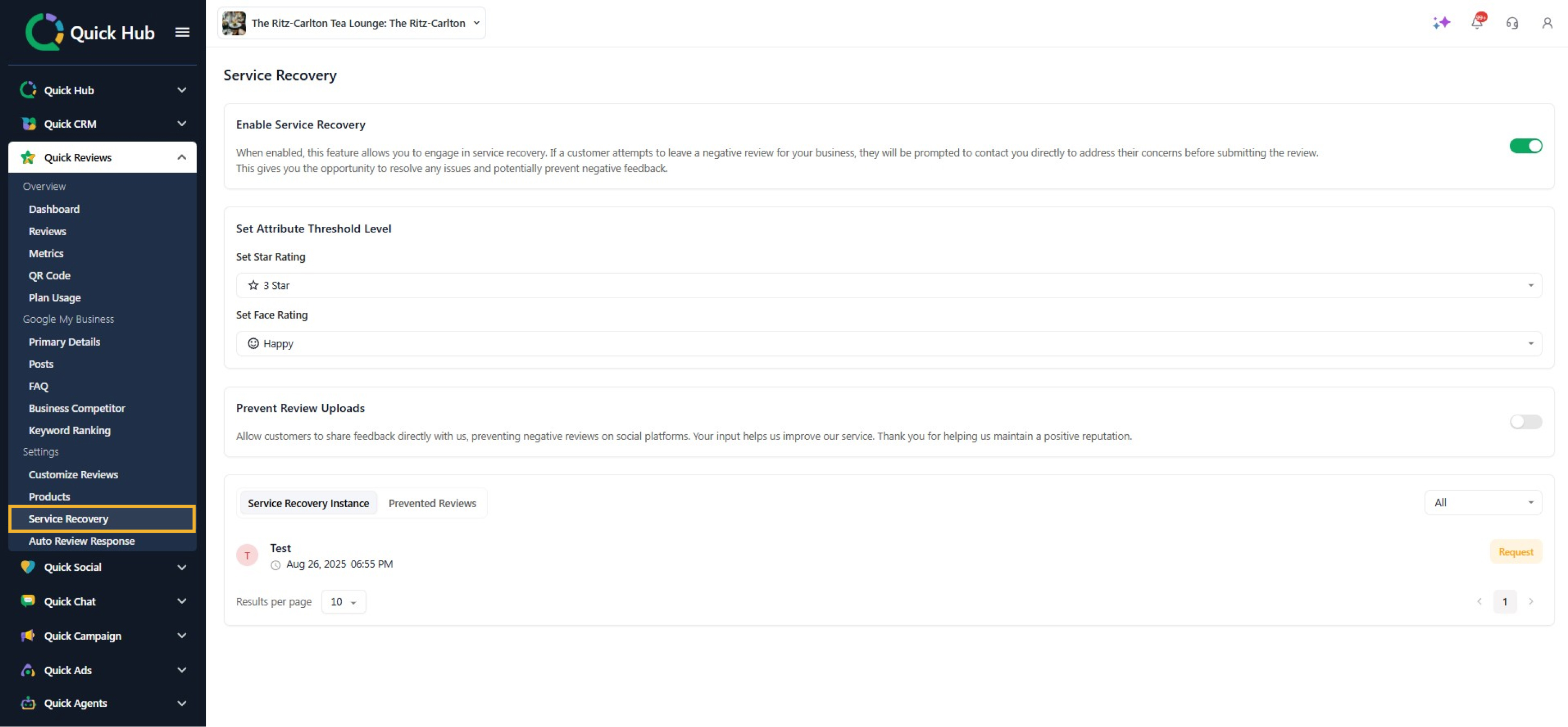
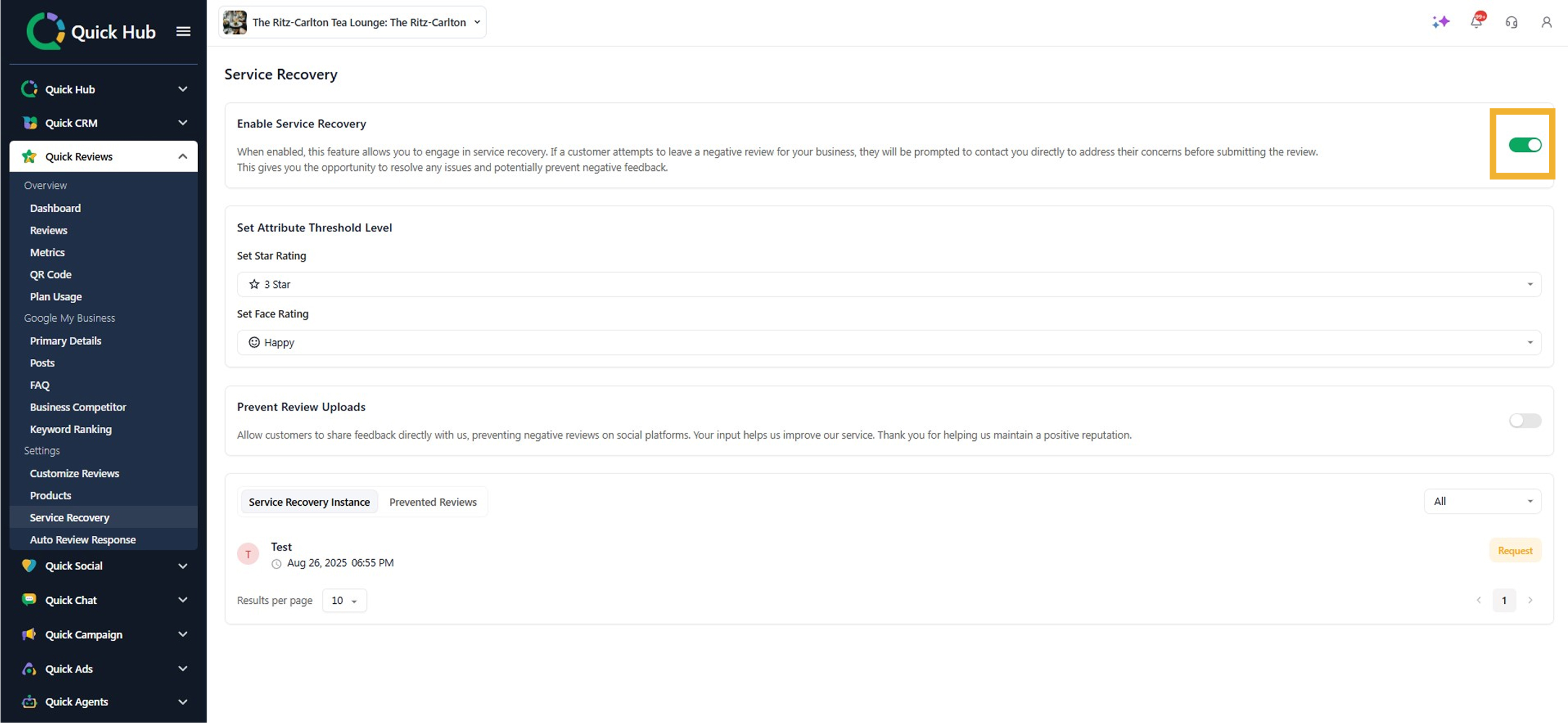
- Toggle to turn on the option.
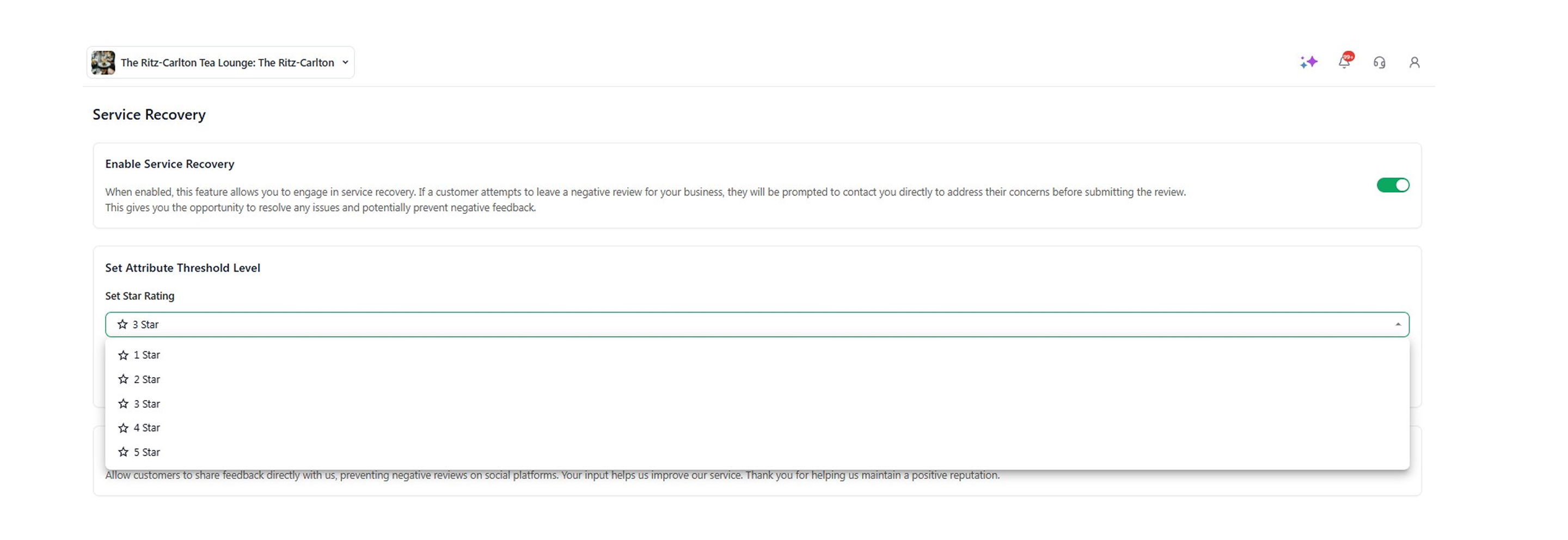
- Select the Star Rating; you can choose from 1 to 5 stars. For this example, select 3 stars.
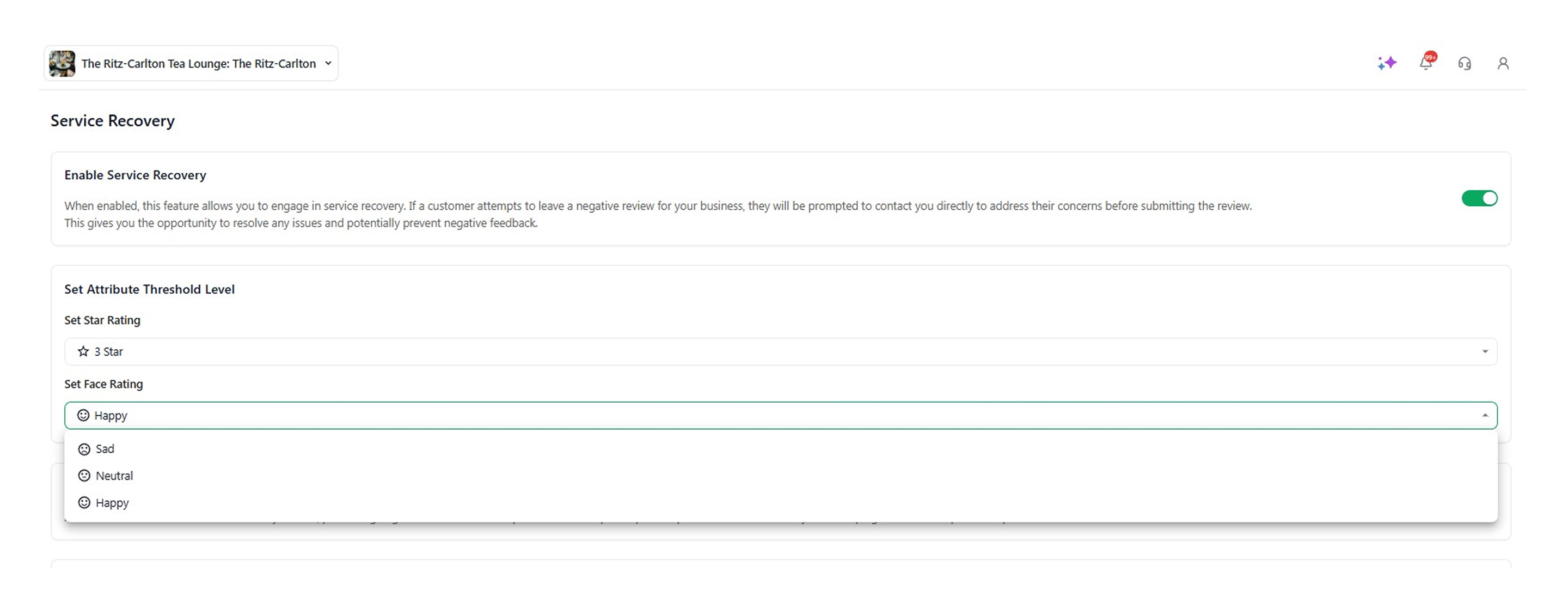
- Select Face Rating.
-
This means that if a customer attempts to rate your product or service with a rating of 3 stars or less, it will be highlighted in the Service Recovery Instance tab.
-
Once you share the QR code with the customer, they will be directed to the screen below.

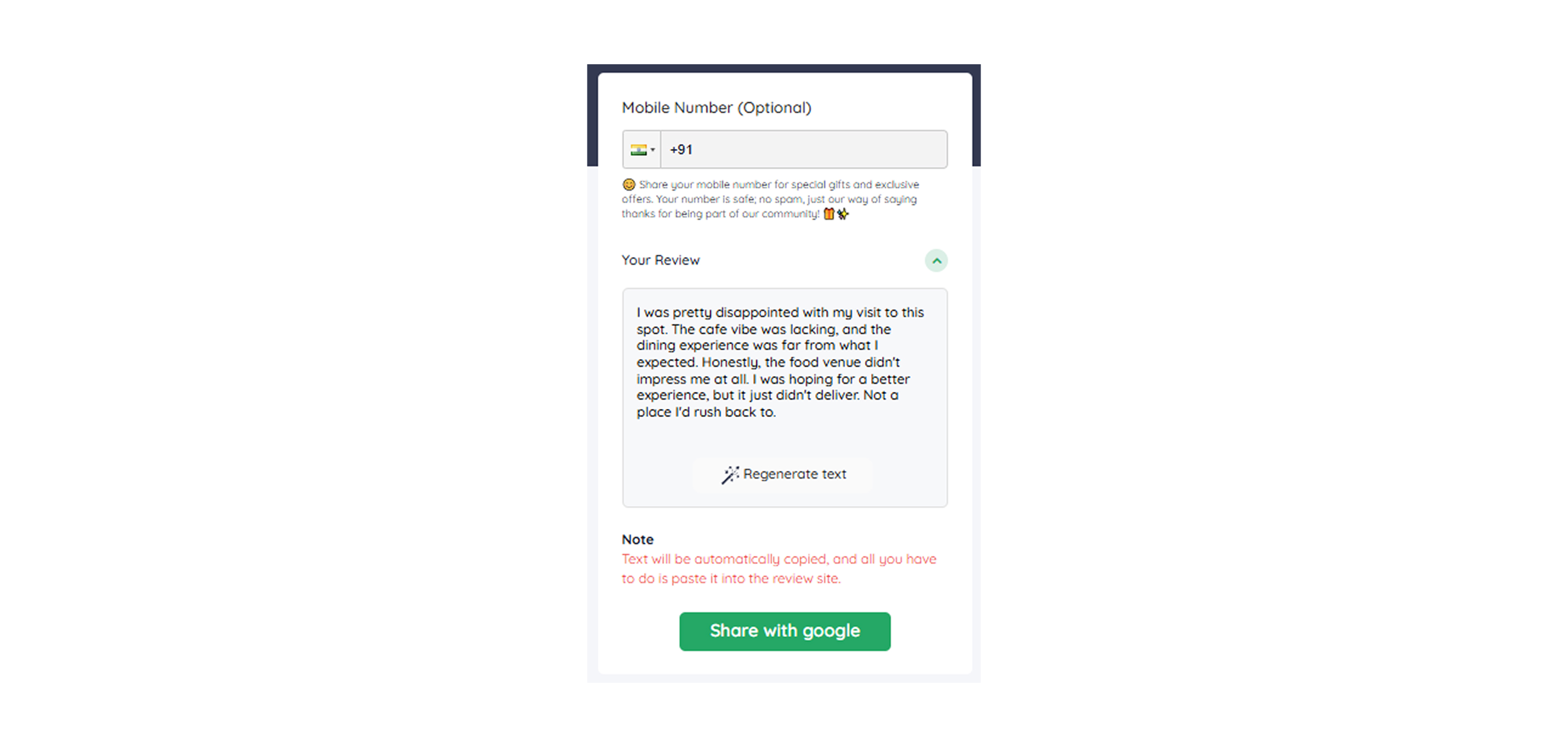
- If a customer gives you a rating lower than 3, they will be directed to a page that asks them to either Request a Call or Submit the Review.
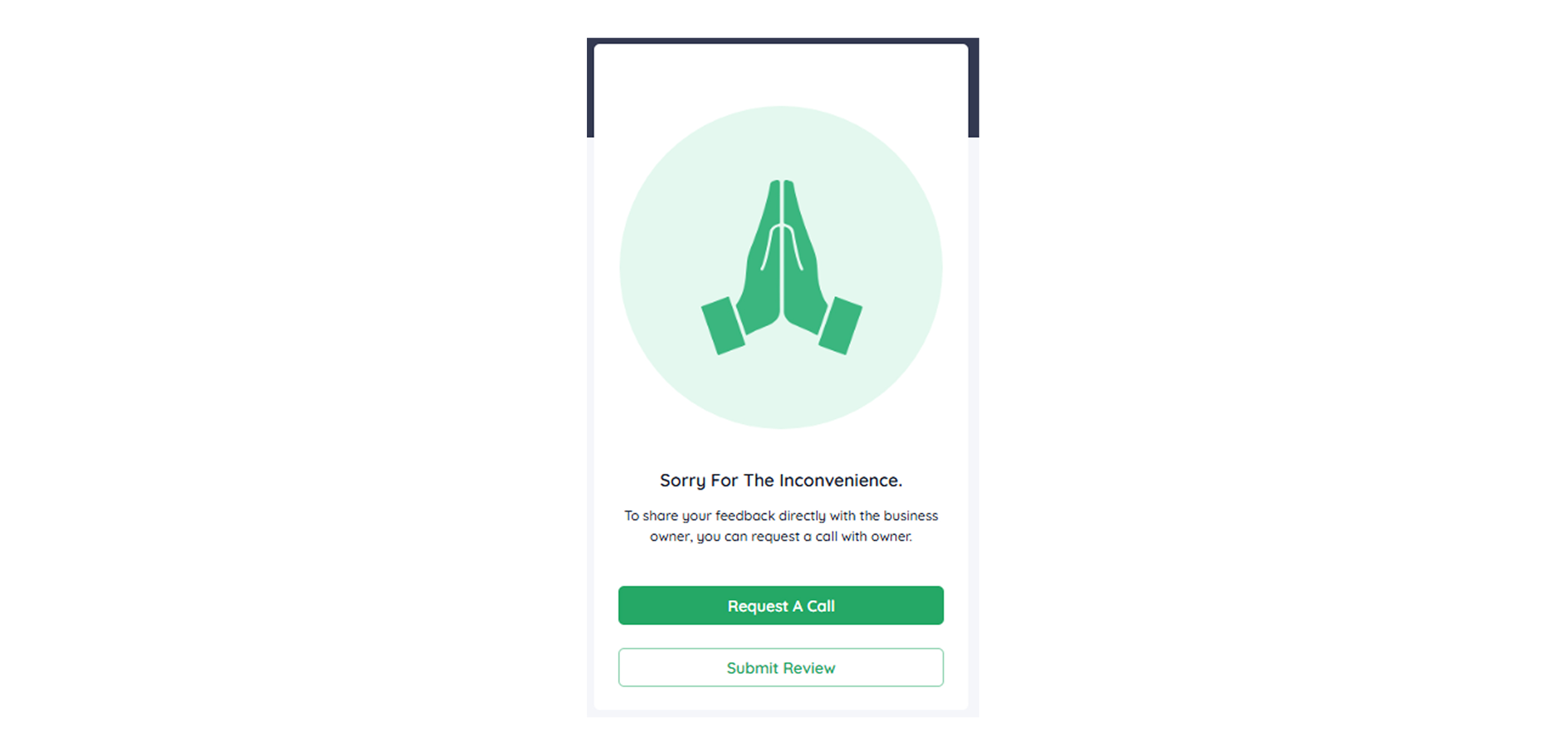
- If the customer clicks Request a Call, they will be directed to a page where they need to enter their details, such as name, contact number, and the reason for the call.

- These details will be visible under the Service Recovery Instance tab.
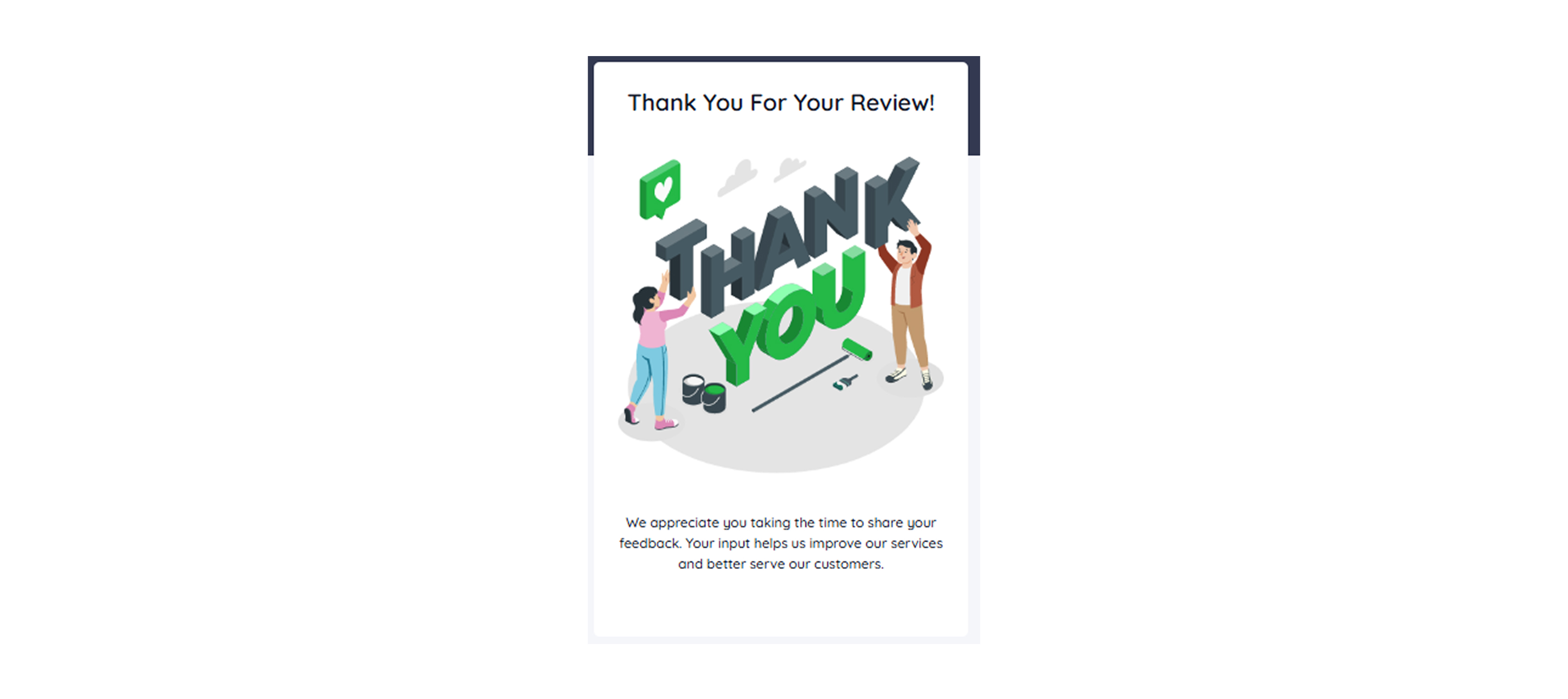
- They can choose to Submit the Review to Google.
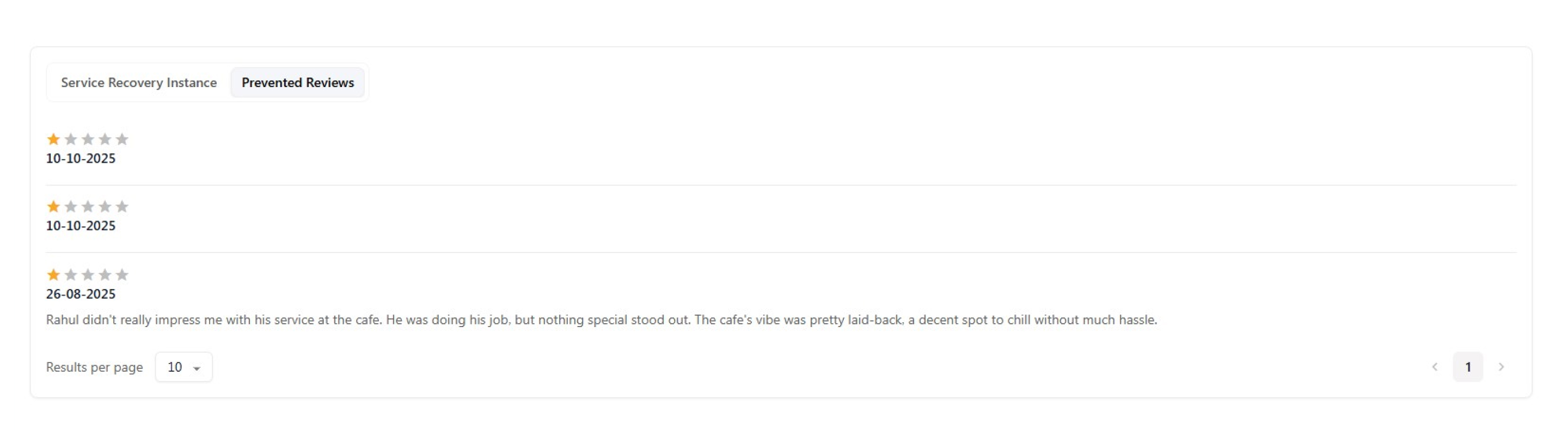
- Once they submit their feedback on Google, it will start reflecting under the Prevented Reviews tab.
You can filter these comments by all, requests for call, called customers, and solved.