How to Check Overall Metrics in Quick Hub
-
Go to Quick Hub.
-
Click on Quick Reviews.
-
The Quick Review Dashboard displays the total number of reviews received, the overall rating, the review distribution, your business QR code, and any pending tasks.
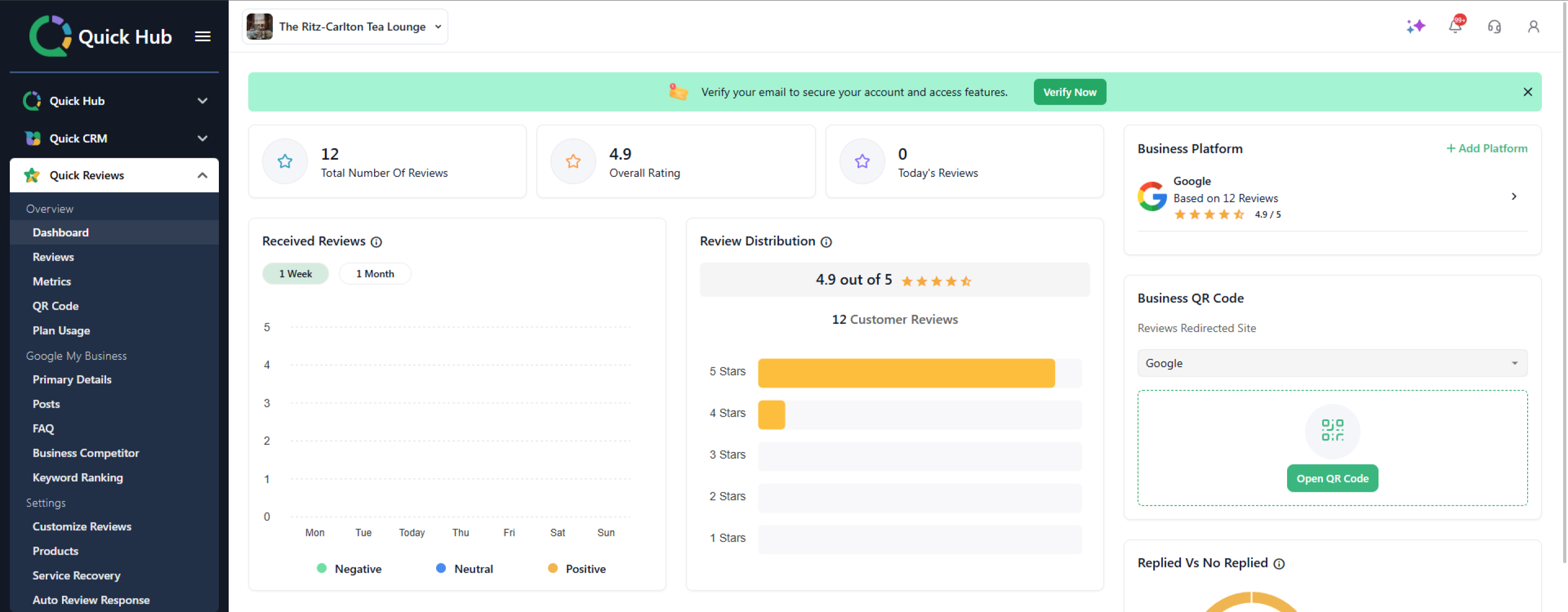
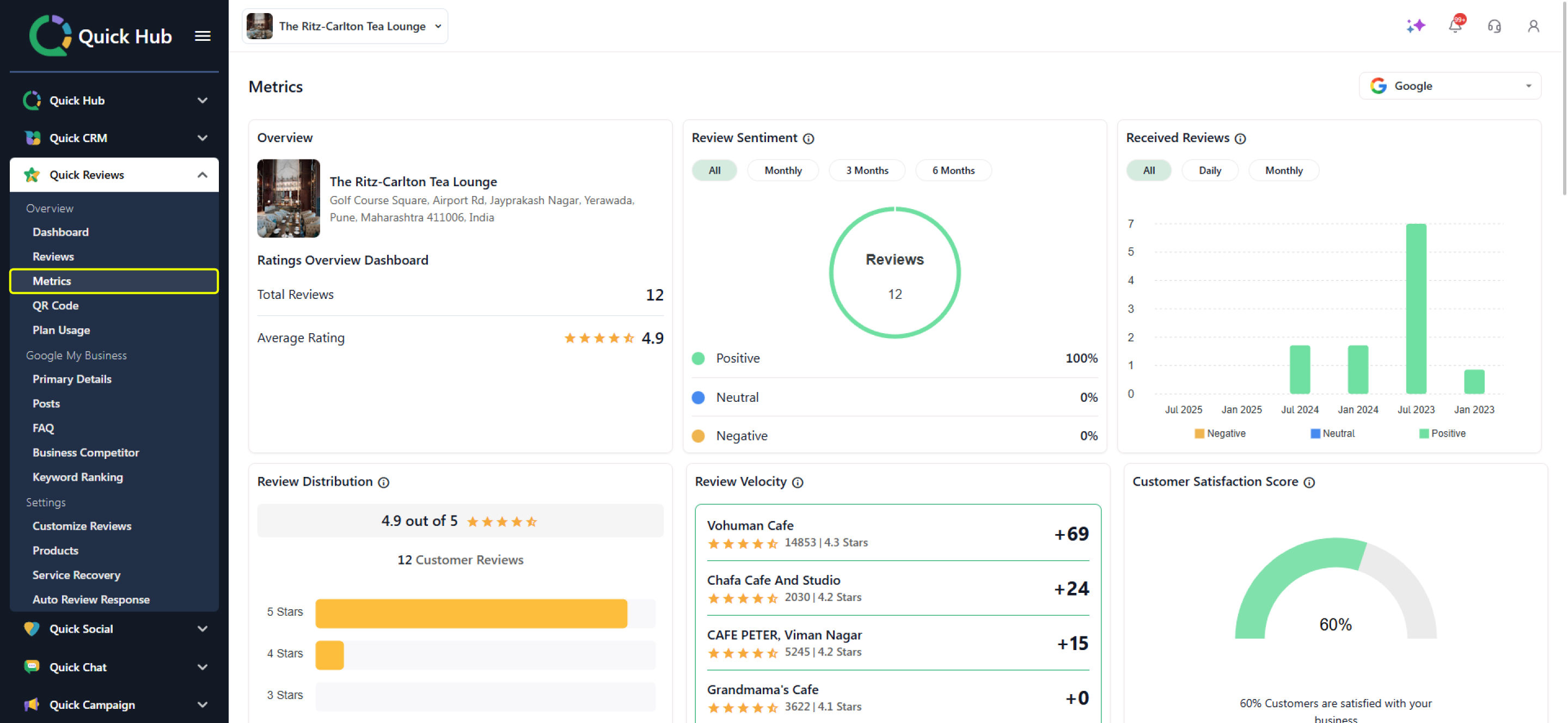
- To view overall performance in detail, click on Metrics.
-
Here, you can view the location, total reviews, average rating, received reviews, sentiments, distribution, and review velocity.
-
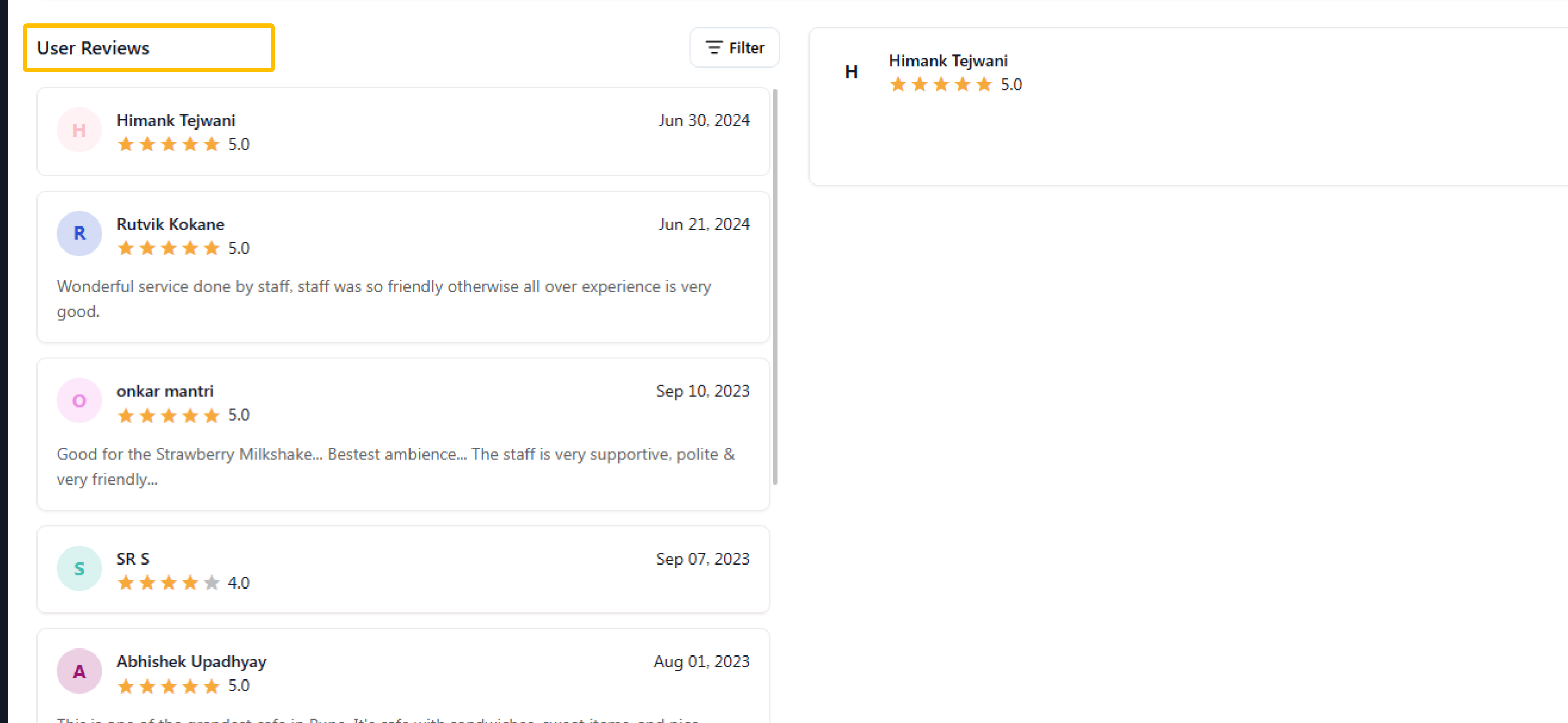
You can also check Google review comments here.
- Scroll down to see more metrics, including Google vs. Yelp reviews, competitor benchmarking, rating trends, Net Promoter Score (NPS), and more.
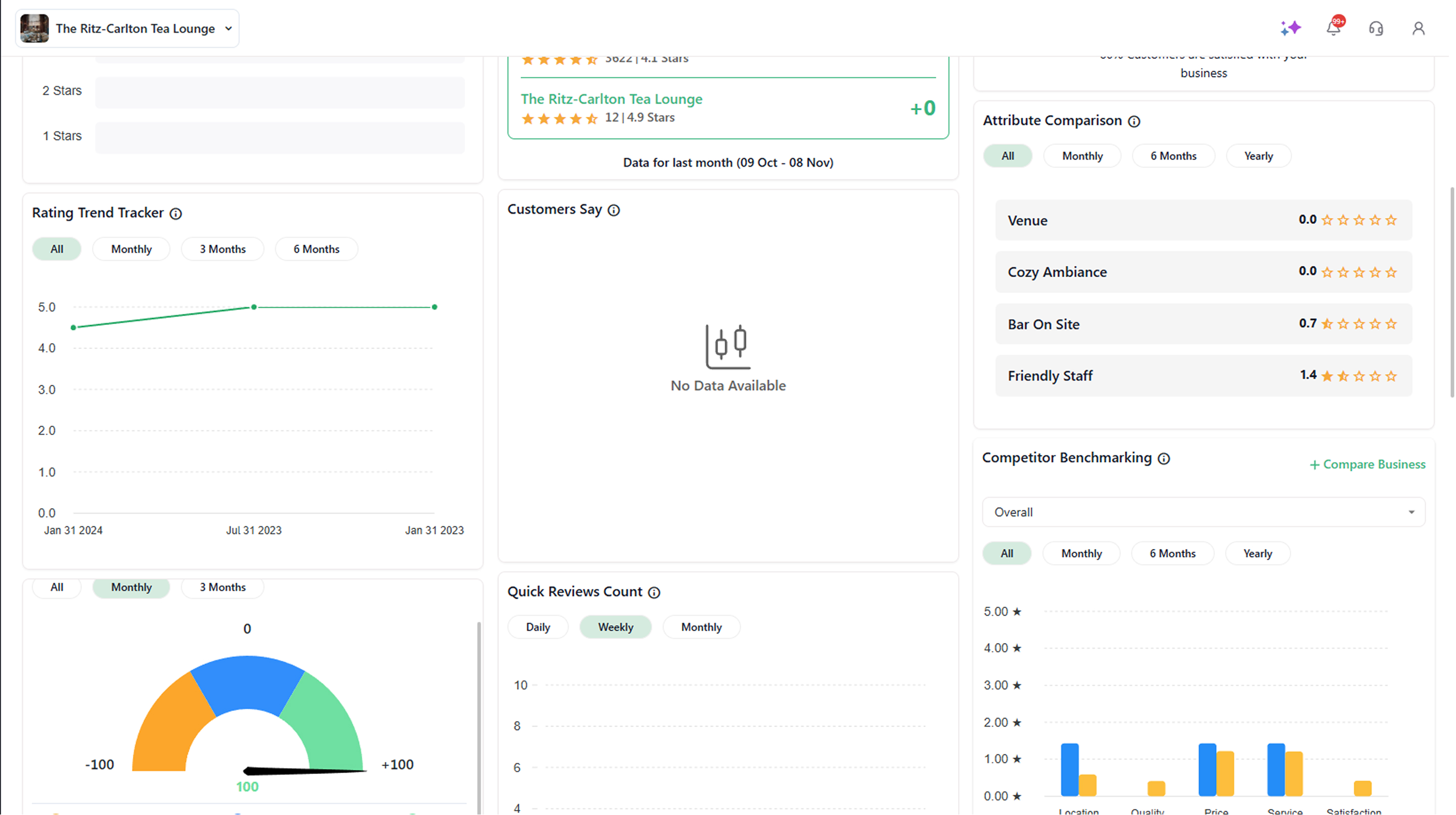
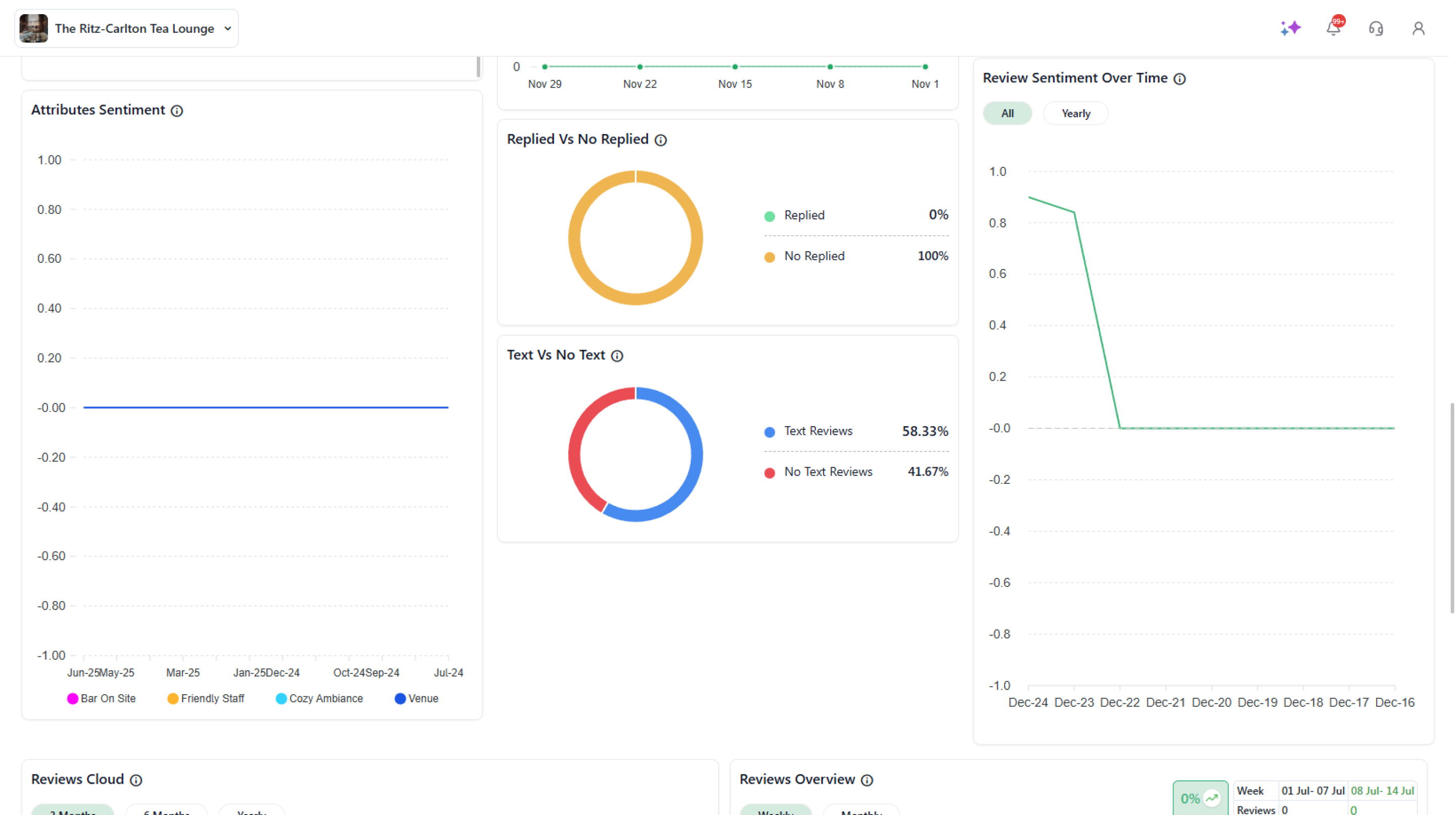
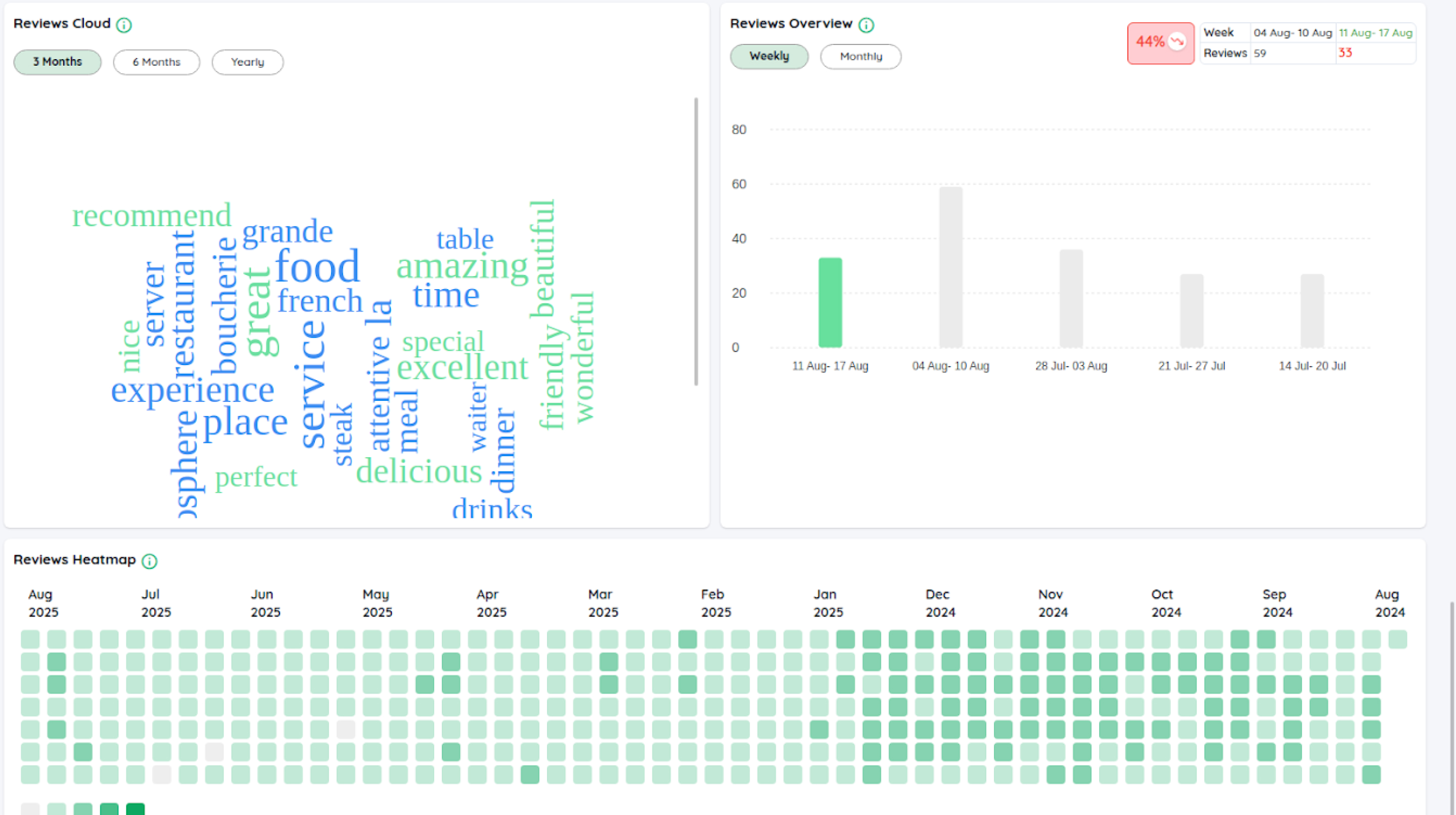
- Continue scrolling to check review clouds, overview, and heatmaps.