How to Deploy AI Agents (Campaign Suggestions Agent, WhatsApp Template Agent, Social Media Agent, and Ads Creative Agent)
-
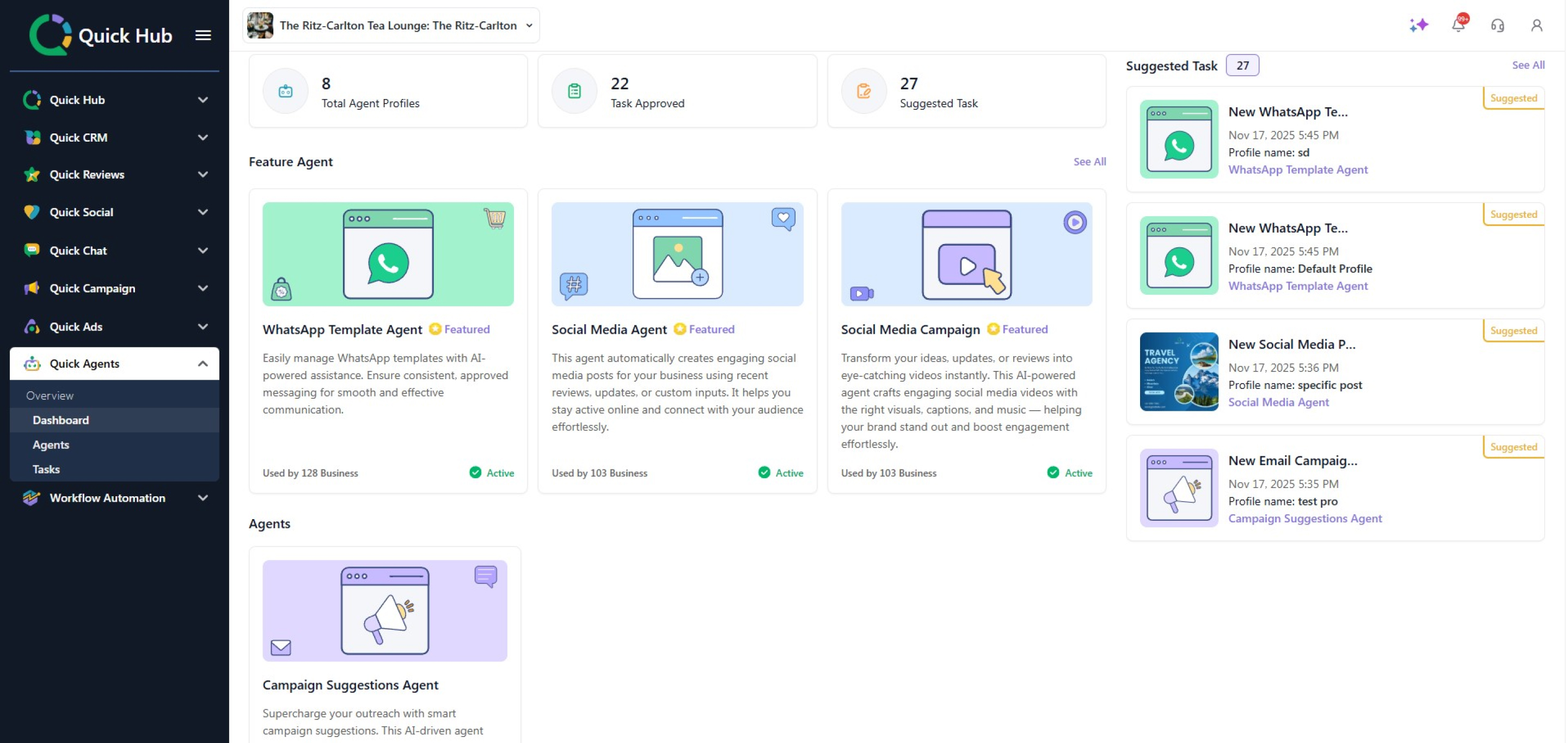
Go to Quick Hub.
-
Navigate to Quick Agent.
-
Click on the agent you want to activate, then click View Details.
-
Click Activate Agent.
-
Click Confirm.
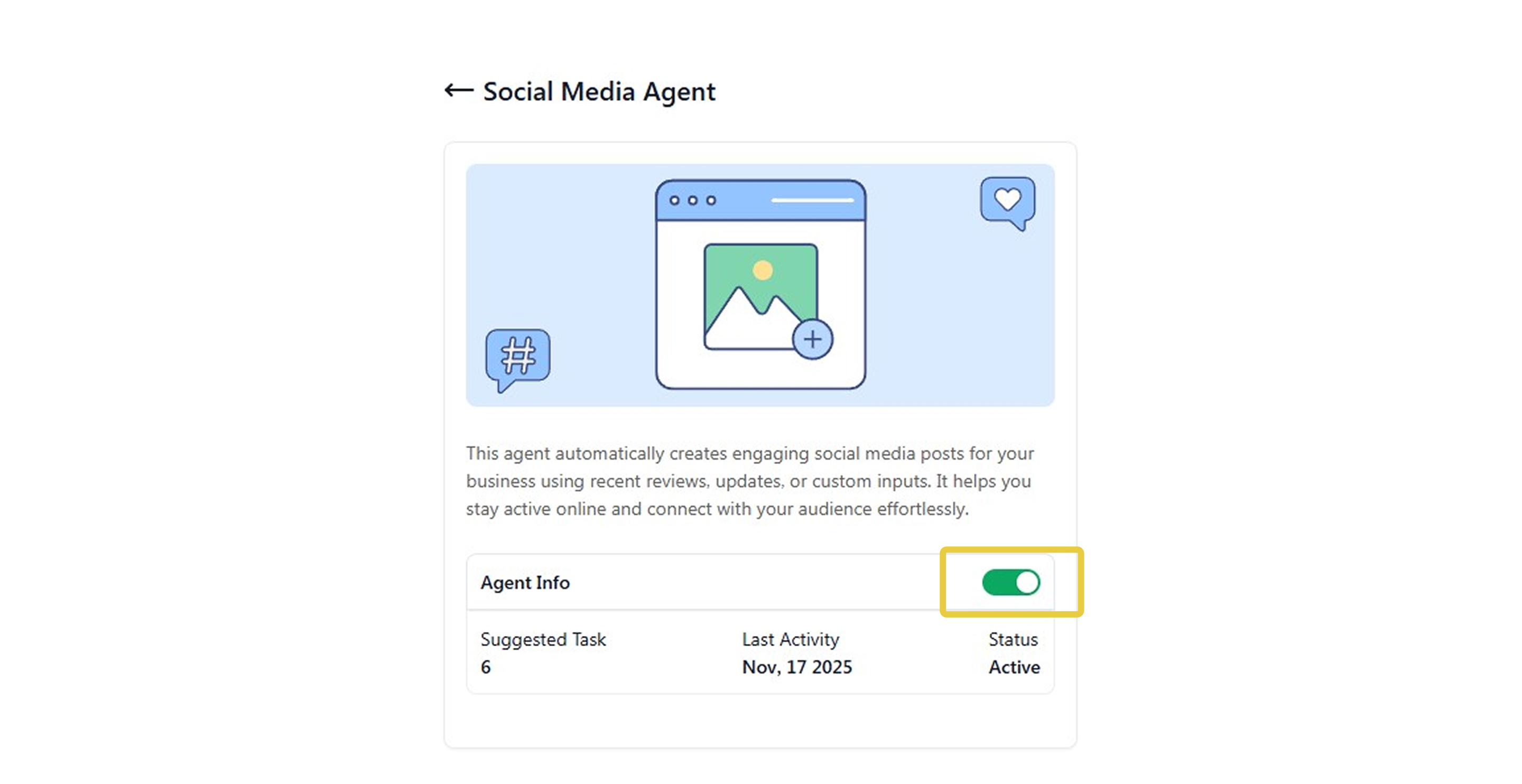
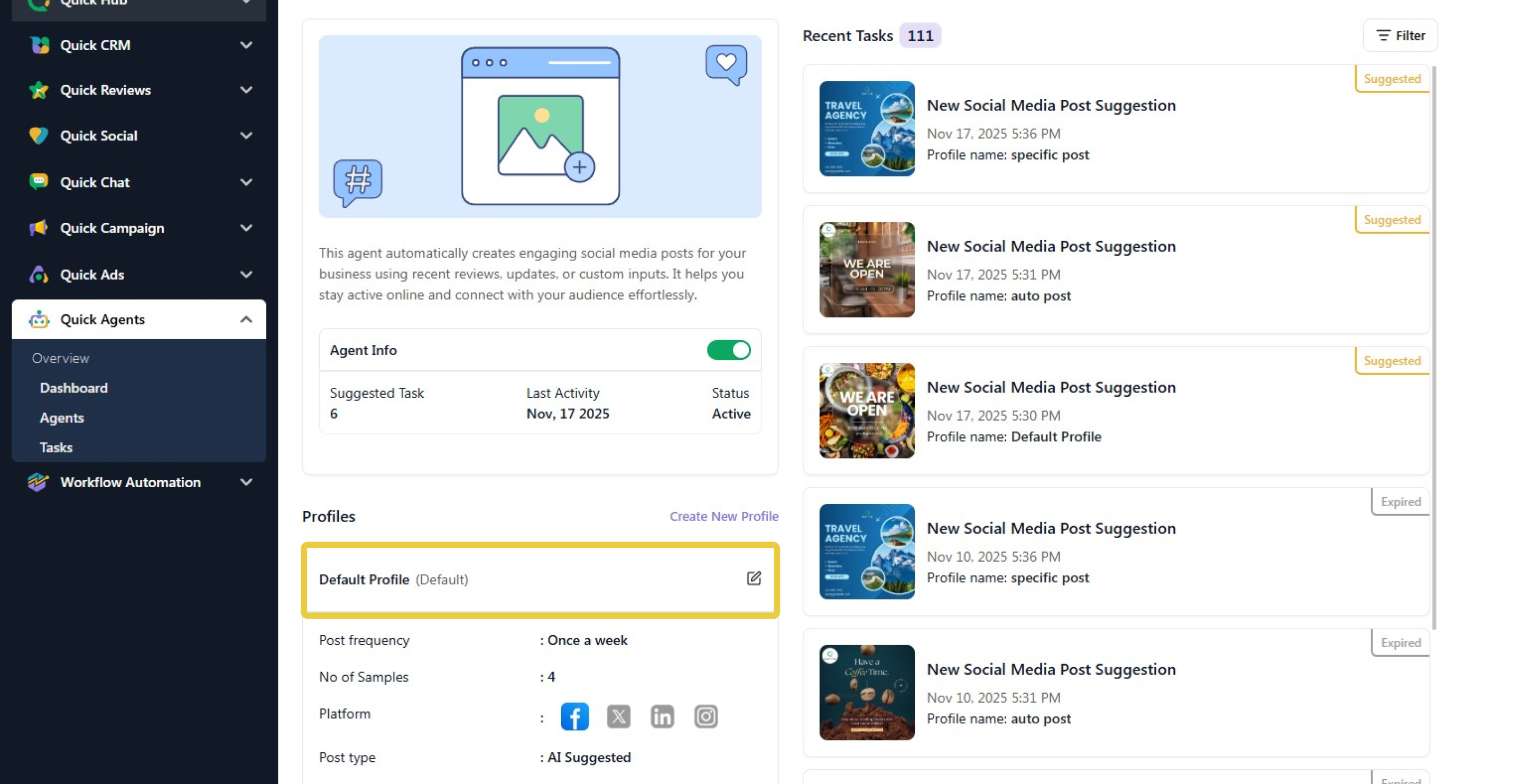
- Your social media agent is now active. The default profile will be active; you can edit the default profile or create a new one. To modify the AI agent details, click Edit.
-
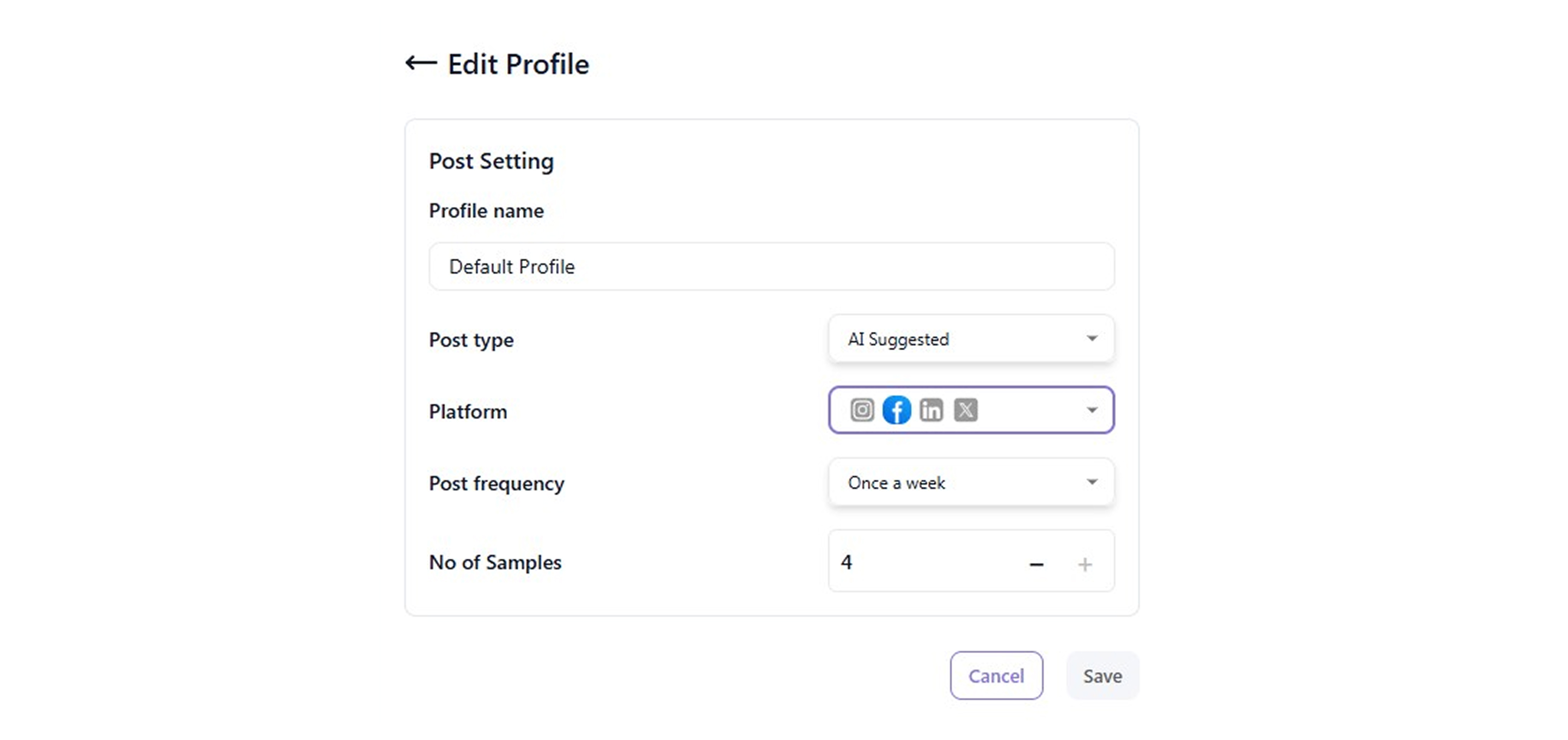
Here, you can change the bot name and adjust the post type (AI-suggested or specific post), platforms, post frequency, and post samples.
-
Click Save.
-
Follow the same steps to activate the other agents.
-
In the Tasks section, you will be able to view all recent, suggested, and expired campaigns, as well as the recommended and pending tasks that need to be completed.